Free 15-minute blueprint
You don't need to be technical.
You need the right prompts in the right order.
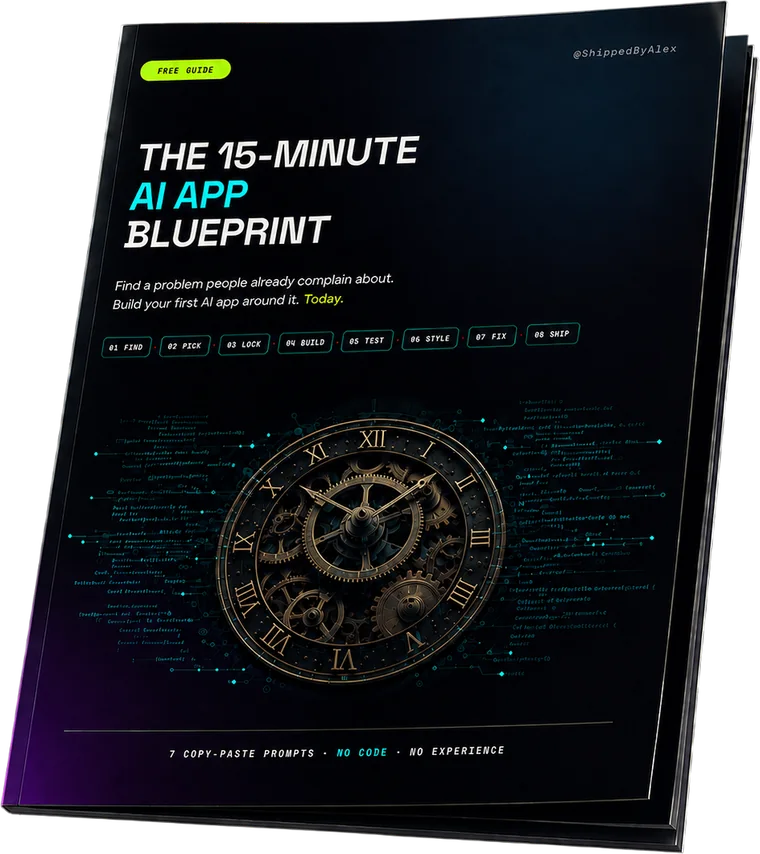
The 15-Minute AI App Blueprint is seven prompts you paste into Claude and Atoms.dev in sequence. At the end, you have a working app, not a half-broken demo.

Created by @ShippedByAlex
What's inside
Seven prompts. One order.
Skip a step and you feel it three steps later.
Each one hands its answer to the next. That's why you can paste them without understanding them, and why the order is the part you can't improvise.
- 01
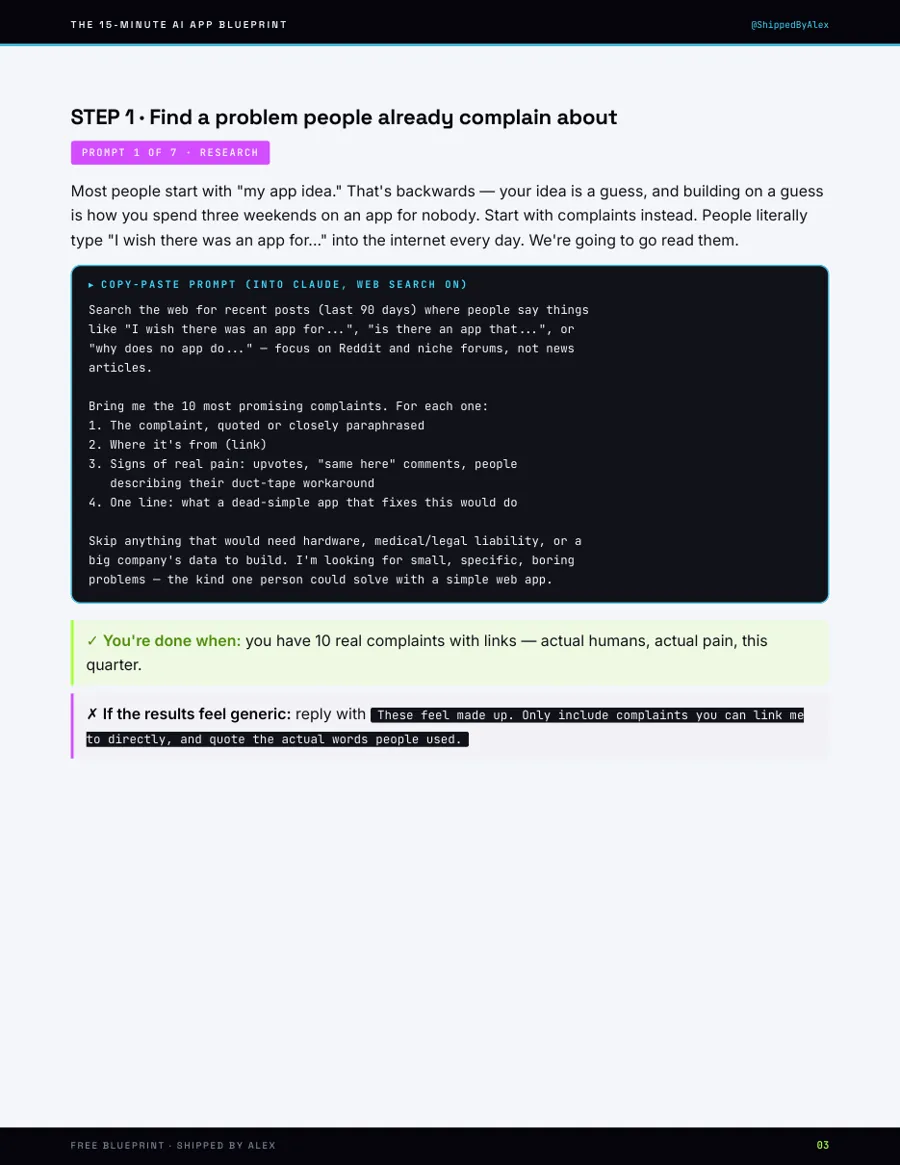
Find a problem people already complain about
Research
Your idea is a guess. Complaints are evidence. This prompt reads the last 90 days of people saying "I wish there was an app for…" and brings back ten, with links.
- 02
Pick the winner
Validation
Not the coolest one. The one people would pay to make go away. Four scores: pain, wallet, simple, open water. Sixty seconds, and it is the step every build-in-a-day video skips.
- 03
Lock the idea in one sentence
The Lock
If you can't say it in one sentence, the AI fills the gaps with guesses, and its guesses become your bugs. Who, what, result, plus the 3–5 fields your app stores.
- 04
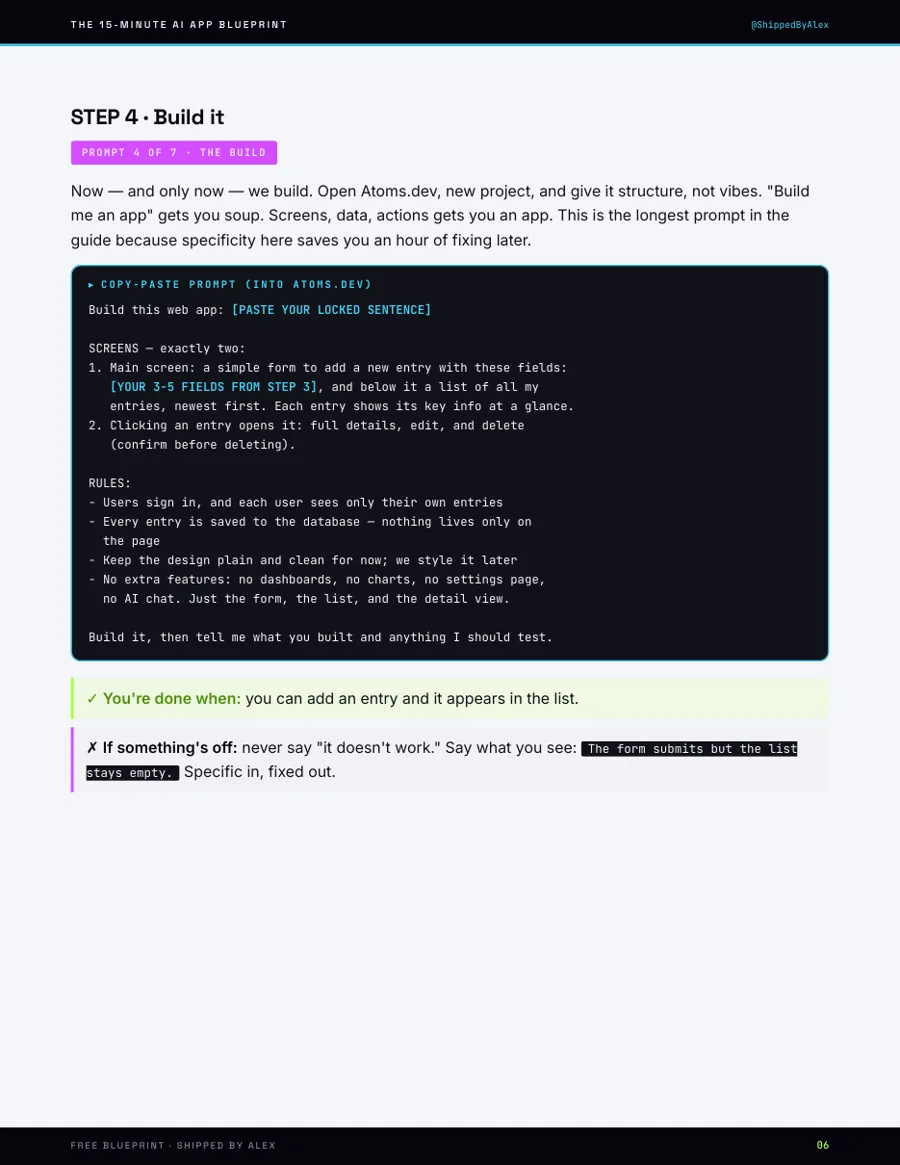
Build it
The Build
"Build me an app" gets you soup. Screens, data, actions gets you an app. The longest prompt in the guide, because specificity here saves an hour of fixing later.
- 05
Make it real
The Refresh Test
The line between a toy and a tool is whether your data exists tomorrow. Half the "I built an app!" posts fail this exact test. Three checks: refresh, re-login, second user.
- 06
Make it look like money
The Vibe Pass
One prompt, one coherent style, every screen including sign-in. Exact hex values, not adjectives. That is the difference between a design and a description of one.
- 07
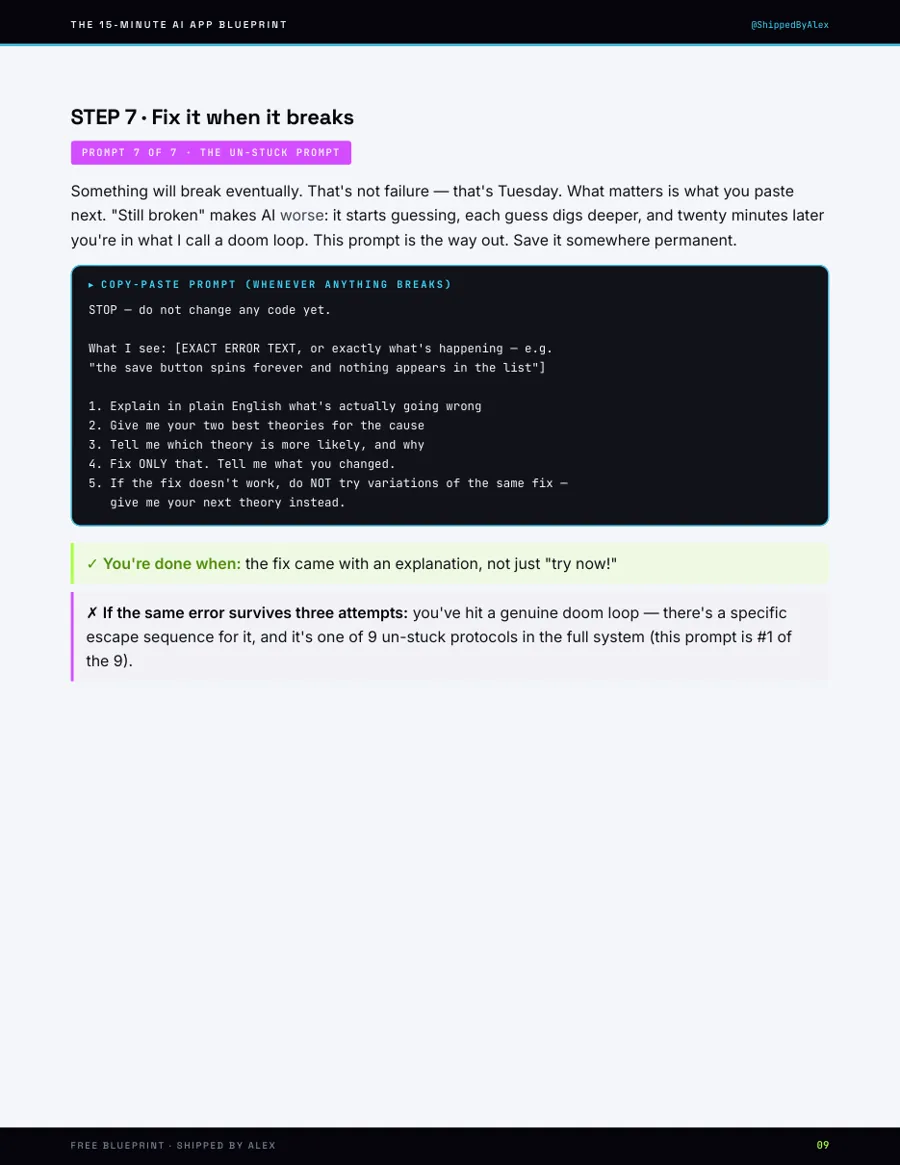
Fix it when it breaks
The Un-Stuck Prompt
"Still broken" makes the AI worse: it starts guessing, and each guess digs deeper. This is the paste that stops the loop. Save it somewhere permanent.
- 08
Ship it
The Reality Test · no prompt
A link someone else can open, on a screen that isn't yours. That's the whole test, and it's the only one that counts.
Look inside
Three pages from the actual PDF.
Before you hand over an email
Everything you need to know.
Do I need to know how to code?
No. You copy text into a box and read the answer. Where a step needs a decision, the prompt states the rule you decide by, so you are never asked to have an opinion you don't have yet.
Which tools do I need?
Two, both free: an AI chat that can search the web (Claude is what I use) and an Atoms.dev account. Atoms builds the app and has a database and login built in, which is why your app actually saves things. Using Lovable or Cursor instead? The paid System covers all three.
Is 15 minutes realistic?
For a v1 with one screen and saved data, yes. The prompts are pre-written, so most of the 15 minutes is the AI working, not you typing. An idea needing two user types and a payment flow gets you the first slice, not the whole thing.
What happens after I give you my email?
The PDF arrives immediately. After that, occasional emails about shipping AI micro-SaaS. One click unsubscribes and the PDF stays yours.
Is this the paid product in disguise?
It's the first fifteen minutes of it. The paid System covers what comes after: auth you own, Stripe webhooks, deployment, and the nine protocols for when the AI starts rewriting code that already worked.
Fifteen minutes from now you either have an app,
or you have the same idea you had this morning.
Already have the Blueprint? See what comes after it →