Auth you own
Your first customer can see your second customer’s data. You don’t find that out from an error log. You find out from them.
Module 2 · 8 cards
PHASE 1 · BUILD · $97
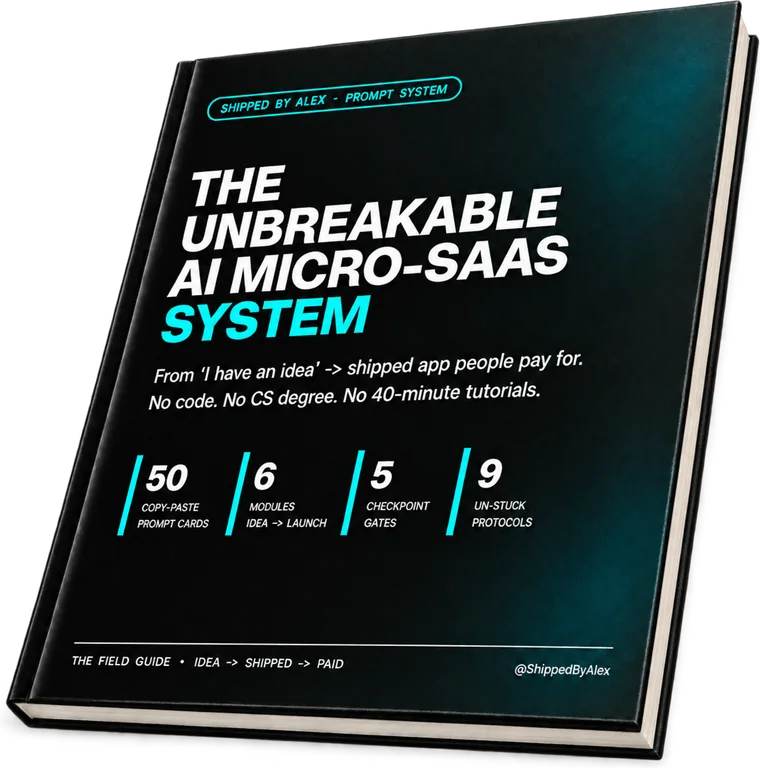
Stop losing weekends to broken code and 40-minute tutorials that leave you stuck. 50 copy-paste prompt cards wire up auth, database, payments and deployment, so you ship without writing a line of code.
$97One-time payment
Lifetime access
4 Modular Assets Included:
The gap
The demo runs because you click it in the order you built it. A stranger clicks in a different order, on a phone, logged out, with a card in their hand. Four things break, and every one of them breaks in front of someone.
Your first customer can see your second customer’s data. You don’t find that out from an error log. You find out from them.
Module 2 · 8 cards
The money lands and access doesn’t switch on. Or they cancel and keep everything. That is the webhook, not the redirect. You can’t see it from the front end.
Module 4 · 9 cards
It works on the builder preview. It has to work on your own domain, with live keys, SSL and auth redirects that survive the move. Same app, different night.
Module 6 · 7 cards
You are at 90%. One bug appears. You fix it, it gets worse, you fix that, now nothing works. This is the night projects end.
Module 5 · 9 cards
You don’t need a CS degree to fix these. You just need the right prompt in the right order, written down on a card you paste.
The Blueprint is a short, free preview. The System is the complete build. It takes you step by step from a blank screen to a live app that takes payments: idea, database, auth, interface, payments and deployment. You don’t need the Blueprint first.
The build order
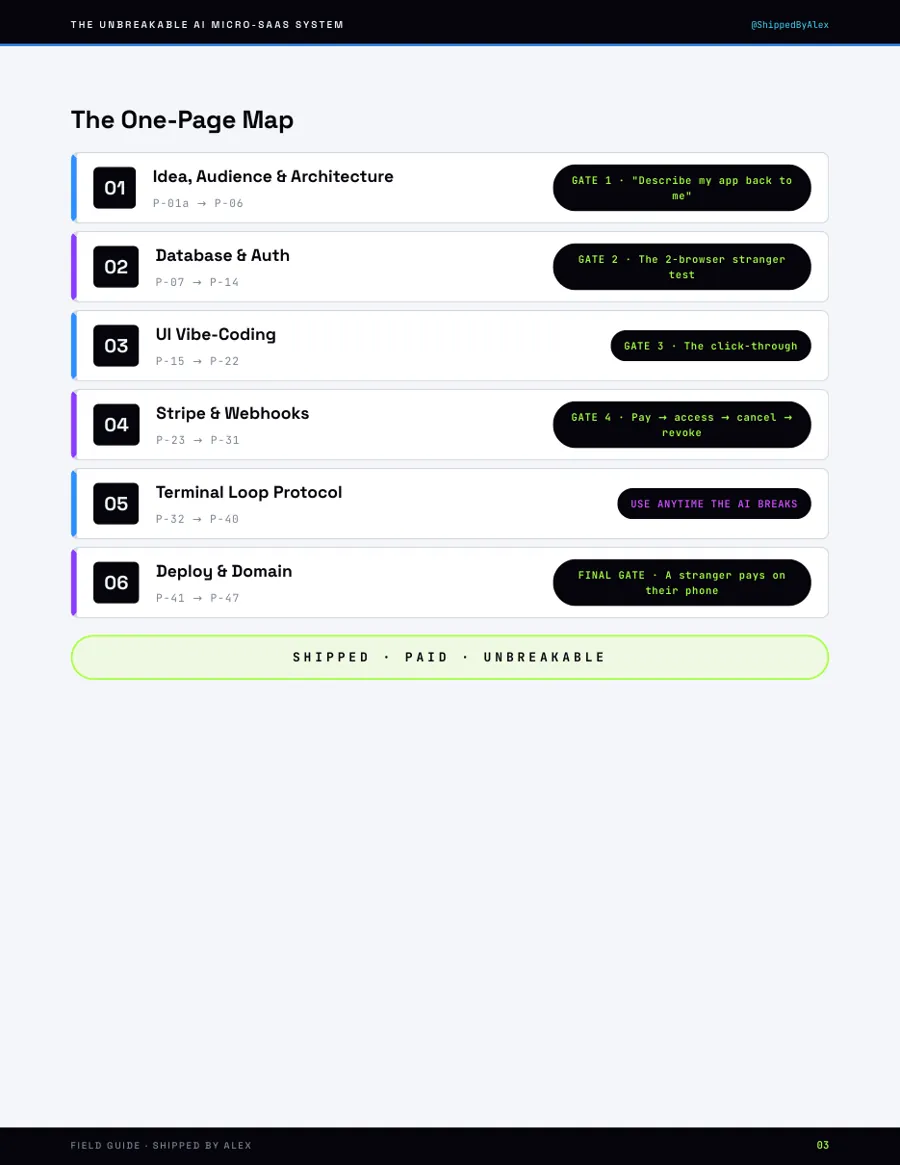
Each one ends in a gate: a specific thing that either works or doesn’t. You don’t move on until it does. That’s what stops one broken step from compounding into a broken build.
M1
9 cards · P-01a → P-06
Gate 1“Describe my app back to me”
M2
8 cards · P-07 → P-14
Gate 2The two-browser stranger test
M3
8 cards · P-15 → P-22
Gate 3The click-through
M4
9 cards · P-23 → P-31
Gate 4Pay → access → cancel → revoke
M5
9 cards · P-32 → P-40
Any timeThe AI breaks working code
M6
7 cards · P-41 → P-47
Final gateA stranger pays on their phone
Module 5 · the part nobody writes down
Nine cards for the moment no tutorial covers: the AI is confident, the error is unchanged, and you have no idea whether to rephrase, revert or restart. Every card names the symptom and gives you the exact paste.
This is the part that decides whether you ship or abandon.
Find your symptom → get the next paste
Same error, three times
Stop rephrasing. A third identical failure means the context is wrong, not the wording.
It rewrote working code
The freeze move: what to declare untouchable before you ask for the next change.
It invented a package
How to spot a package that does not exist, in ten seconds, before you install anything.
“Fixed,” but unchanged
The one-line check that proves whether anything actually changed on disk.
Catastrophic cascade
Four files broke fixing one. The rollback order, and where you start the session again.
Four more
The full stop for when you can’t say what broke, the fresh-session transplant, the second-opinion handoff to another AI, and the habits that prevent the next loop.
This is one module. The other five do the same job for the idea, the database, the interface, the payment and the deployment.
⚡ Instant PDF download · 🛡️ 30-day ship-it guarantee
The shift
Now
After
Three half-built projects, none of them shareable.
One deployed app on your own domain that takes payment.
You rephrase the same prompt six times and hope.
A named next move for every failure, so stuck lasts minutes, not days.
You avoid showing it, because last time it broke in front of someone.
You send the link first, then explain what it does.
What you get
01
The Field Guide
68 pages, 50 prompt cards. One page each: the rule, the paste, the check, the fallback.
$97
02
The Un-Stuck Flowchart
Symptom in, next prompt out. Built for the moment you would otherwise close the laptop.
$19
03
The Master Context Pack
The project brief you paste once so the AI stops forgetting what it is building.
$19
04
The Idea & Scope Lock Sheet
Turns an idea into a v1, with a written “not in v1” list that holds.
$12
Bought separately
$97 + $19 + $19 + $12
$147
Together, as one system
$97 one time
You keep $50
⚡ Instant PDF download · 🛡️ 30-day ship-it guarantee
Questions
One designed 68-page PDF with all four assets inside it: the Idea & Scope Lock Sheet up front, then the 50 prompt cards, with the Un-Stuck Flowchart in Module 5 and the Master Context Pack in the appendix.
An AI builder (Lovable is the default path) plus Supabase and Stripe. Appendix C has swap cards for Cursor and Atoms.dev, and where a card is stack-specific it says so at the top.
A weekend if you push, two or three evenings a week for a fortnight if you don’t. Each module ends in a gate that tells you whether to move on, so you never guess.
No, they are independent. The Blueprint is a short free preview so you can see how a prompt card reads. The System starts from a blank screen and covers the whole build in order, so nothing in it depends on having read the Blueprint.
No. This gets you something worth sending to customers. Distribution is phases 2 and 3: the Organic and Paid kits.
Thirty days. Run the cards, and if you have worked through them and still don’t have a secure app live on your own domain, send me what you built and I refund every cent. The conditions and the evidence a claim needs are on the Refund Policy page.
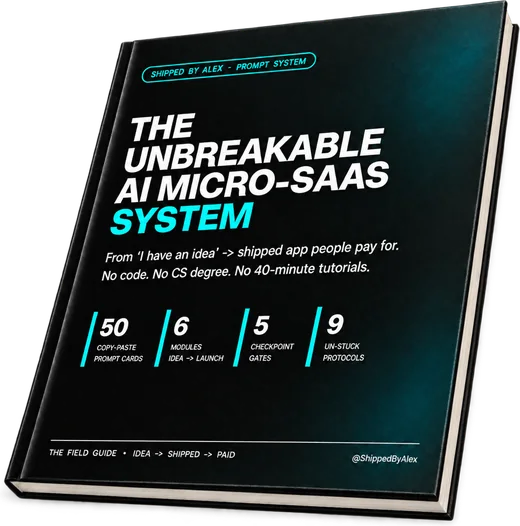
$147 of assets, bought separately
From a blank screen to a live app that takes money.
⚡ Instant PDF download
30-day ship-it guarantee
Run the cards for 30 days. Still no secure app live on your own domain? Send me what you built and I refund every cent. Conditions apply.
$97once